I recently bought some SSDs off AliExpress to test whether their advertised capacity matched real storage.
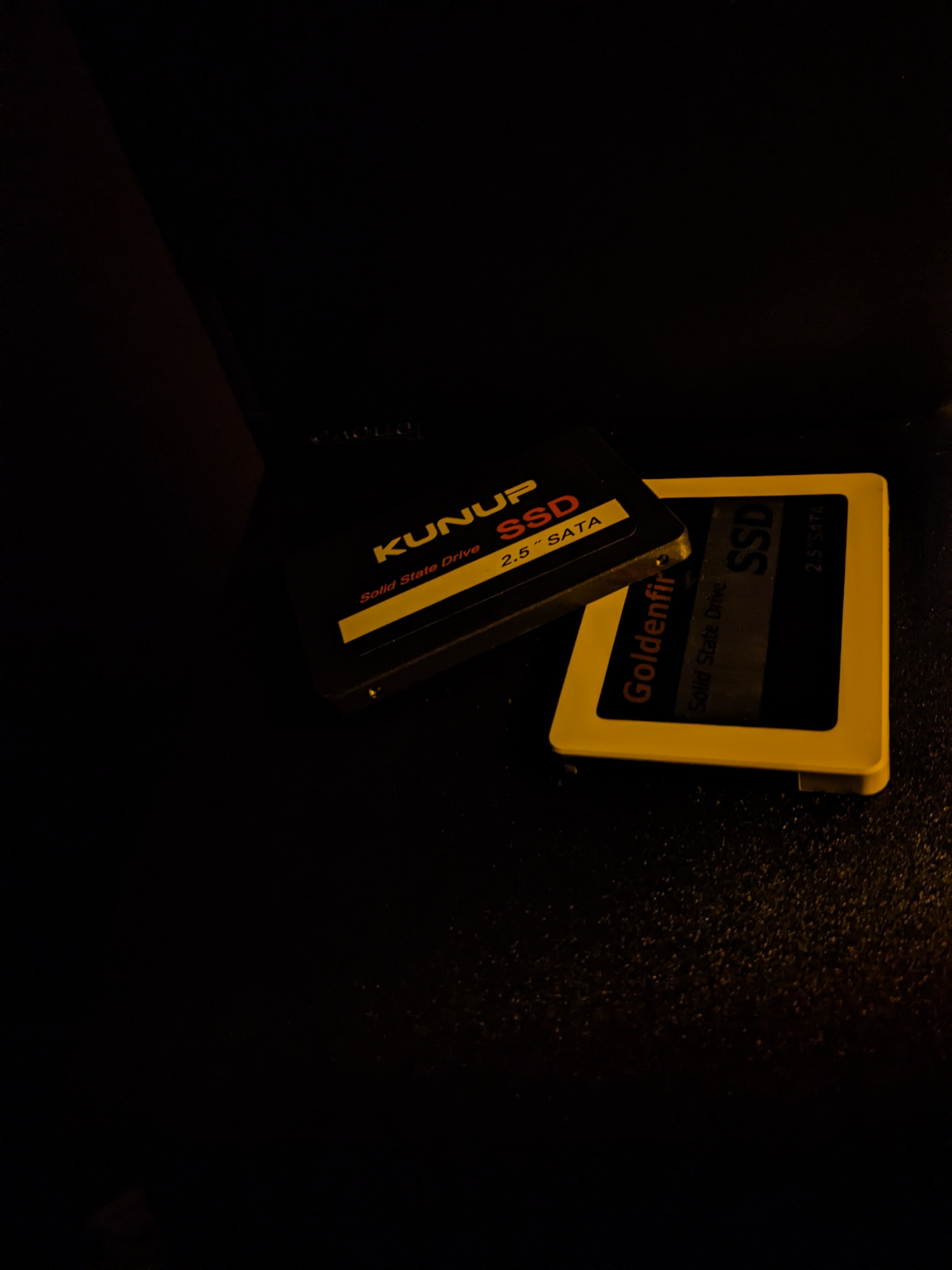
On Fedora Linux,
f3probe is an effective utility for detecting counterfeit flash memory quickly.
See what the estimated disk size is, quickly:
sudo f3probe --destructive --time-ops /dev/sdX
Make sure
/dev/sdX is your actual drive. Use lsblk to verify the device identifier:
lsblk
To thoroughly verify by writing to full capacity and checking integrity:
First, mount the partition:
sudo mount /dev/sdX /run/media/yourmountpoint
Then, fill the drive with test files:
f3write /run/media/yourmountpoint
Then, verify the written blocks:
f3read /run/media/yourmountpoint
The test results will show the true usable capacity versus damaged or ghost sectors.